¶ Dashboard Module
For brevity of the documentation, we will not explain simple fields that was introduced in the past
¶ Arranging
- When engaging to this page, you will see a list of dashboard modules in the page.
- To order the dashboard modules, you will need to press the arrange button at the top.
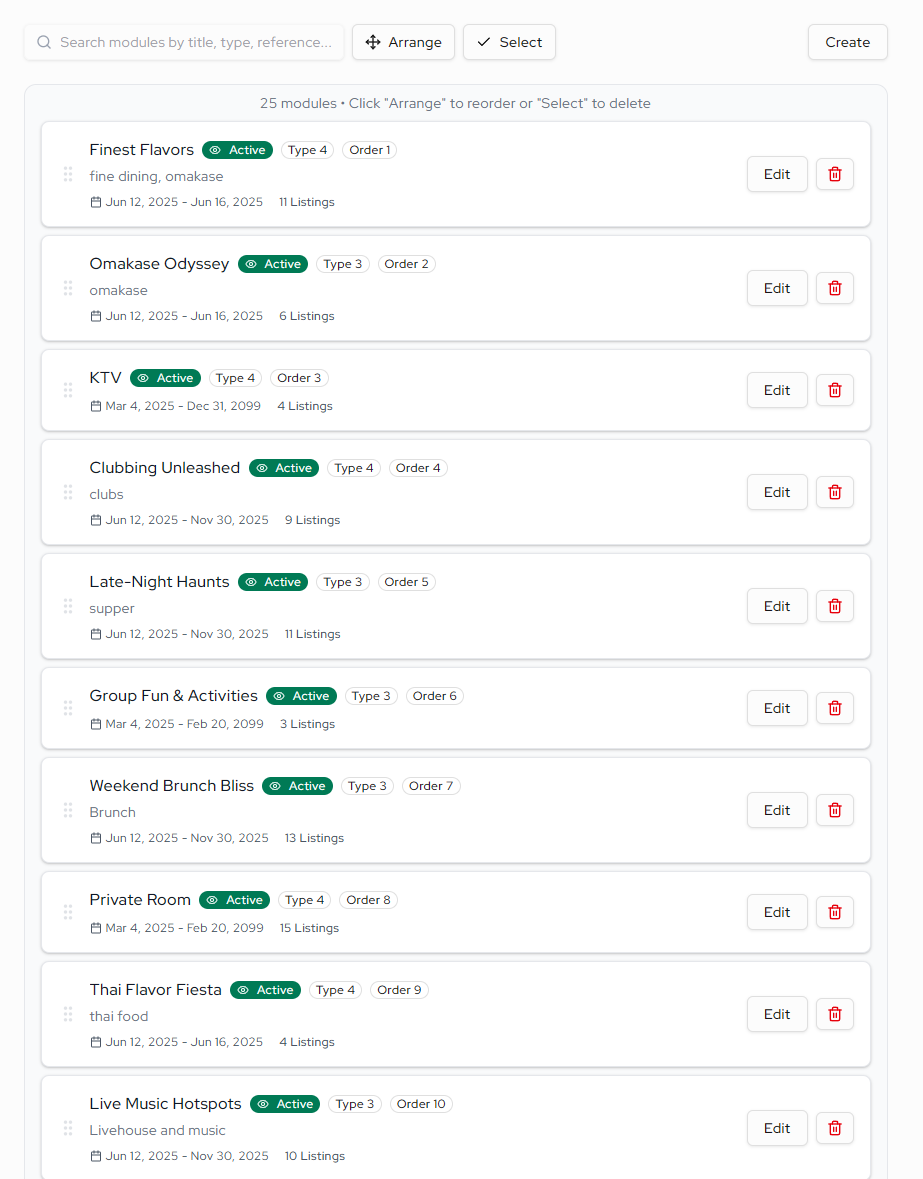
- Drag the tiles to reorder them
Becareful while reordering the tiles, it will assign a new ordering number to each tiles in numeric decending order. It will overwrite the existing duplicates, or number that is not adjacent to each other.
- Cancel the reordering process with the button at the top. If you are pleased with the new ordering, save it.
¶ Deleting
- There will be a delete button on each respective bar, press the delete button to delete the current module
- If you want to delete in bulk you may press the 'Select' button on the top, which will than show a checkbox on the left for each individual module. select the ones you want to delete and press the delete button on the top. There's also a 'Cancel' button if you dont want to delete anymore.